

My first season with a dive computer, I used it exactly wrong. I treated it like the depth gauge on the saw in my shop, a number that kept me out of trouble, not a thing I needed to think about before I ever got wet. Down I went, back up I came, and whenever the screen started talking about nitrogen I gave it the same attention I give the warning sticker on a belt sander, which is to say none at all. I figured the computer was like a power tool: switch it on, let it run, trust it to beep when something was wrong. Then a week on a liveaboard in Roatan in the spring of 2024 showed me what I had been missing. It was not a feature I needed to spend more money on. It was a plan, made before the first giant stride.
A dive computer is not a fancy depth gauge. It's a planner you wear on your wrist, and the difference between those two things is the difference between driving a familiar road with a map in your head and driving it with a map on the seat beside you. The Cressi Leonardo that rides my wrist next to my dive watch has changed how I plan every dive, for a price that leaves the color-screen computers in the dust. If you're still deciding whether to own one at all, I laid out the long-term case in my Cressi Leonardo review and put the short version in a list of reasons to buy your own before the boat leaves. This article is the how-to that connects the two: five steps I've used to plan well over a hundred dives, from setting the computer the night before the trip to reading the log that plans tomorrow's dive.
The five steps that follow assume one thing: you own a computer or you're about to, and you want it to earn its place on your wrist. None of the steps takes more than a few minutes, none of them costs a cent beyond the gear you already have, and all five have been tested the way I test everything, in the water, over years. Work through them once and you'll have a dive plan you could repeat on any reef, any wreck, any quarry in the country.
The Computer That Plans Every Dive, Not Just Tracks It
I've run the Cressi Leonardo through quarry mud in Arkansas and a week of reef dives in Roatan, and three seasons later it still plans every dive for me without an app subscription or a color screen. If you want the workhorse version of dive planning, this is the one I'd reach for first.
Amazon Check Today's Price on Amazon →Step 1: Set Up the Computer the Night Before, Not on the Boat
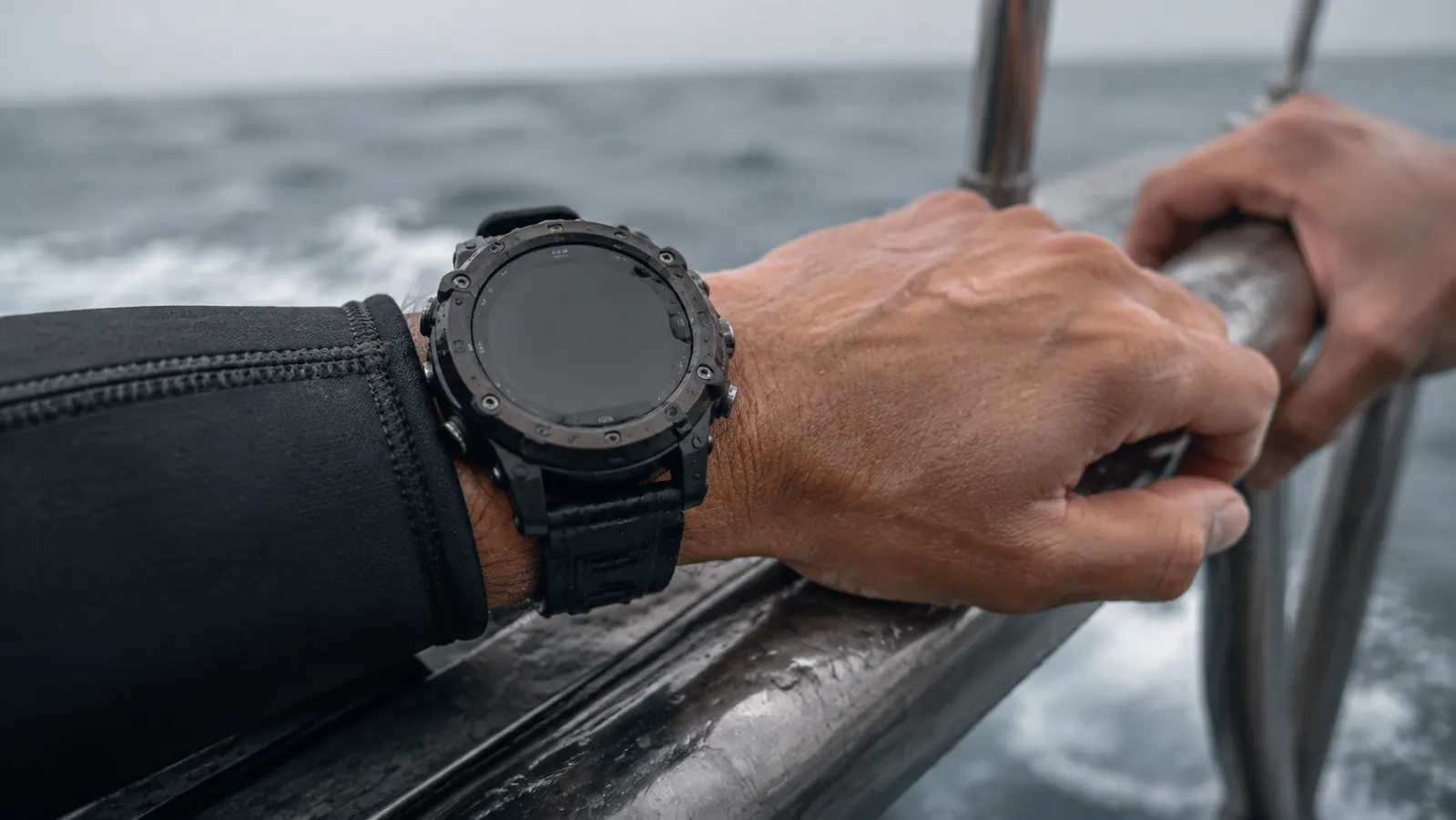
The most common dive-planning mistake I see is a computer that was never set up at all. Rental shops hand them over with whatever the last diver left on the screen, and plenty of owners leave theirs on the factory default for years because it still counts depth and time. The Leonardo defaults to air, which is safe, but I stopped trusting defaults the way I stopped trusting a level that has never been checked. The night before any trip I sit at the kitchen table and make the settings match the gas I plan to breathe.
For a plain air dive, that means confirming the oxygen fraction sits at 21 percent and the PO2 alarm is where I want it. When the shop at Roatan fills my tanks with 32 percent nitrox, I set the Leonardo to 32 before the boat leaves the dock, not while I'm riding down the anchor line. Doing it on the surface takes ninety seconds and a calm pair of hands. Doing it underwater is the one time you can't afford to squint at settings.
The second half of setup is the battery. The Leonardo gives me a low-battery warning well in advance, and I learned the hard way to believe it. A computer that goes dark on the third day of a liveaboard is a very expensive paperweight, so the battery check now happens the same night as the tank mix, before anything gets packed. It's the closest thing these computers have to a pre-flight check, and I treat it the same way.
Step 2: Make a Plan on the Surface, Before the Water
Most dive plans made on a boat take about ten seconds: we'll hit 60 feet and turn at half the tank. That's a tank plan, not a dive plan, and it leaves the second dive of the day to luck. When I plan with the Leonardo I pick the deepest point I'll allow the dive and the no-decompression time I'm willing to spend at it, then I check what the computer says about that depth before I ever splash.
The number that changed my diving is the NDL, the no-decompression limit. If my plan is a 70 foot reef and the Leonardo reads 40 minutes of no-decompression time at that depth, I treat 40 as a ceiling, not a target. I plan to be off the bottom at 25 minutes and spend the rest of the dive rising slow and shallow. The computer's whole job is to keep me honest about the plan I made on the surface, so the afternoon boat finds me with a full slate of dives still available.
I also write the plan down. A wet-notebook slate clipped to my BCD carries the max depth, the turn time, and the pressure I check at the turn. Saying it out loud to my buddy and writing it down are what turn a plan from a private intention into an agreement, and the computer just happens to be the honest referee of that agreement.
Step 3: Follow the Numbers on the Way Down
The descent is where a dive computer earns its keep. The moment I leave the surface the NDL starts counting down, and I watch it the way I watch the cut when I'm ripping a long board in the shop: the job is planned out, but what matters is where my hands are right now. If I planned for 70 feet and the reef tops out at 64, the dive gets a little longer and a lot happier. If the divemaster drifts to 90 to chase a turtle, I stay at my ceiling. The computer does not care what the turtle is doing.
The ascent is half the plan, and most divers ignore it completely. The Leonardo tracks how fast I'm coming up and gives me a polite but firm reminder when I'm pushing it. On that first week in Roatan it corrected me twice a day until I slowed down. And once I started ending every dive shallower than I started, the computer started handing me back no-decompression time on the way up. End the dive shallow and the next one opens with a bigger budget. That one habit did more for my trip than any feature on any screen.
The Leonardo runs a conservative algorithm, and I used to think that made it a spoilsport. I've since realized a conservative computer is a planning gift: it makes me plan for less time at depth, which means I keep more of my day above the water. A computer that flatters you underwater is the one that quietly costs you dives later in the week.
I used to plan dives by feel, the way I plan a cabinet by eye. Then I logged a week on the Leonardo and saw I was coming home with twenty minutes of no-decompression time to spare on every dive. I wasn't a conservative diver. I was an unplanned one.
Step 4: Treat the Surface Interval as Part of the Dive
Two dives a day means the surface interval is half the plan. The Leonardo counts it down for me, and it's honest about it. After the morning dive I check that countdown the way I check the pressure gauge on a tank, because it decides whether the afternoon dive starts at 60 feet or at 40 feet.
The part the marketing never mentions is that a computer plans the whole trip, not just the next dive. The Leonardo keeps track of what I've done over the past few days and adjusts what it will let me do next. The diving I'm allowed on the third day of a trip is the direct result of how I planned days one and two.
Here's what that looks like in practice. If I blow most of my budget on a long first dive at depth, the computer makes the second dive shorter or shallower, and by day three I'm on 35 foot reefs while a buddy who pushed it is sitting out with a stretched NDL. I'd rather come home with a logbook full of modest dives than one spectacular dive and a week spent on the boat.
Step 5: Log the Dive and Let It Plan Tomorrow
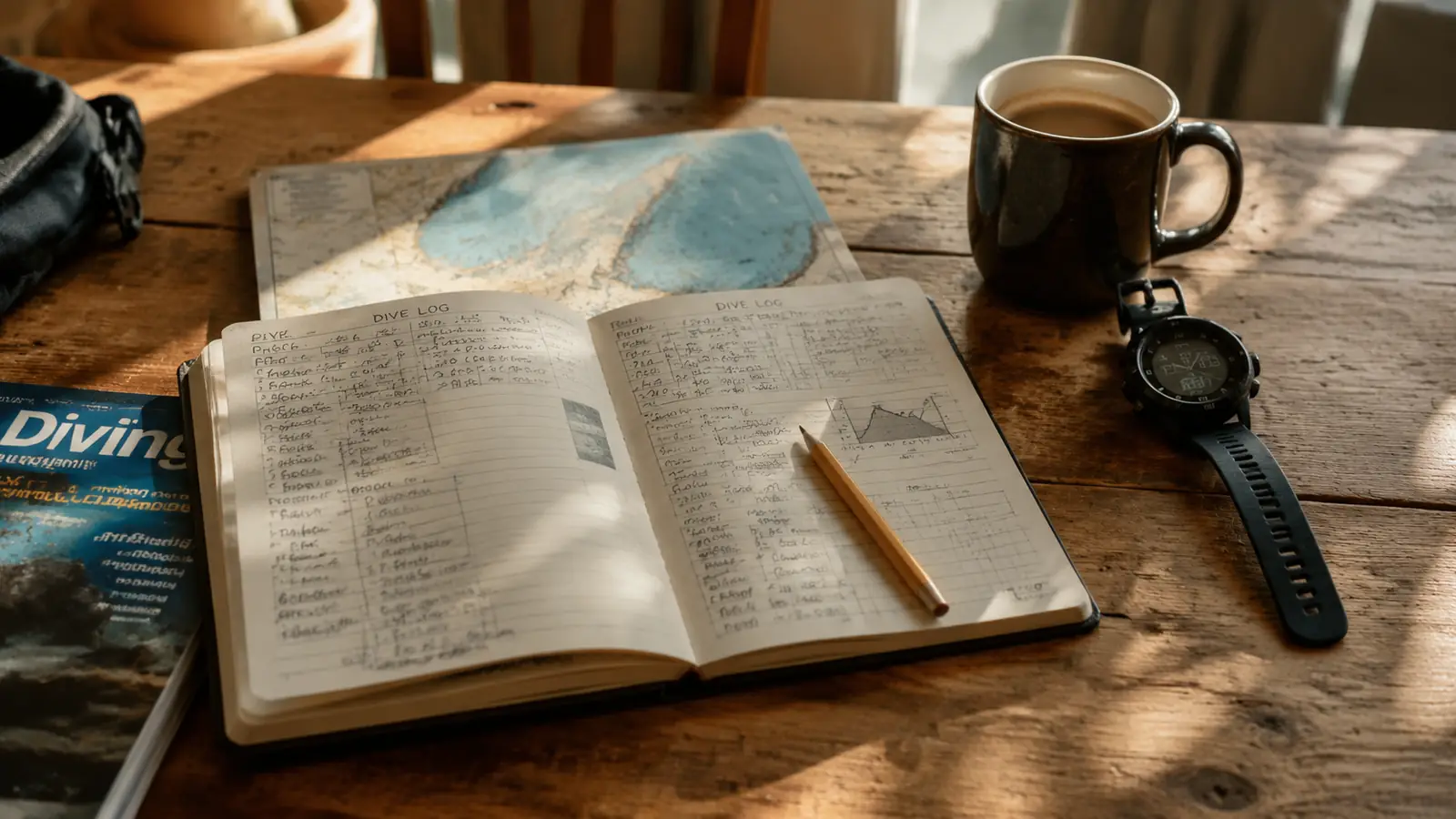
Back on the boat I do two things in order: rinse the computer in fresh water and write the dive down. The Cressi Leonardo keeps the whole profile itself, the depths, the water temperature, the shape of the dive, but I keep a paper logbook too, because I like the feel of a pencil on paper. Comparing the two when the wetsuit is off tells me which parts of the dive I actually remember and which parts I was just along for.
The log is the planning tool nobody talks about. When I flip through mine before a trip I can see which dives left me breathing hard and which left me with no-decompression time to spare, and I plan the next trip around those numbers instead of guessing. It's the same reason I write the date on the back of every baseball card that goes in a box. Years from now the details fade, but the record doesn't.
Every so often I look at a profile the computer kept and I see the shape of what actually happened underwater, where I hovered, where I drifted, where I came up fast. That's the same data a dive professional uses to coach a student, and I get it by paging through the memory. You can plan tomorrow's dive from yesterday's shape without a single extra gadget, though the Leonardo will put the whole log on a computer screen if you want it that way.
What Else Helps
Here's what no dive computer will ever do for you: it won't plan your air. The Leonardo is not air integrated, so it has no idea what's left in the tank. My rule is that the computer decides how long I may stay down and the submersible pressure gauge decides how long I will. Those are two different numbers, and neither one replaces the other. I check the pressure gauge on the surface, at my planned turn depth, and again when I'm back on the boat, every single dive.
Two more things help more than any feature ever built. First, a buddy who hears the plan out loud. I say the depth and the turn time, they repeat it back, and the whole dive is agreed without another word. Second, don't let a color screen talk you into a computer you don't need. Everything I've described in these five steps happens on a watch face in a housing that's survived three seasons of salt water. When the shiny computer on the dive shop counter starts promising to plan the dive for you, walk away. You're the one holding the pencil.
The last thing I'd tell you is to run the whole drill at home once before the first dive of any trip. Set the computer, plan a pretend dive against the profile of the site, check the NDL, and write it all on a slate. The first time you do it for real should not be the first time you've ever done it. I rehearse this the night before every trip, and it's the cheapest insurance I own.
Plan Your Next Dive on Numbers, Not on Luck
The Cressi Leonardo has planned over a hundred dives for me across three seasons, and it's never once complained about the salt water, the quarry mud, or the guy wearing it. If you'd rather plan your next trip on the numbers than by feel, this is the one I'd buy again.
Amazon Check Today's Price on Amazon →